You can add flight details to any expense in Emburse Spend.
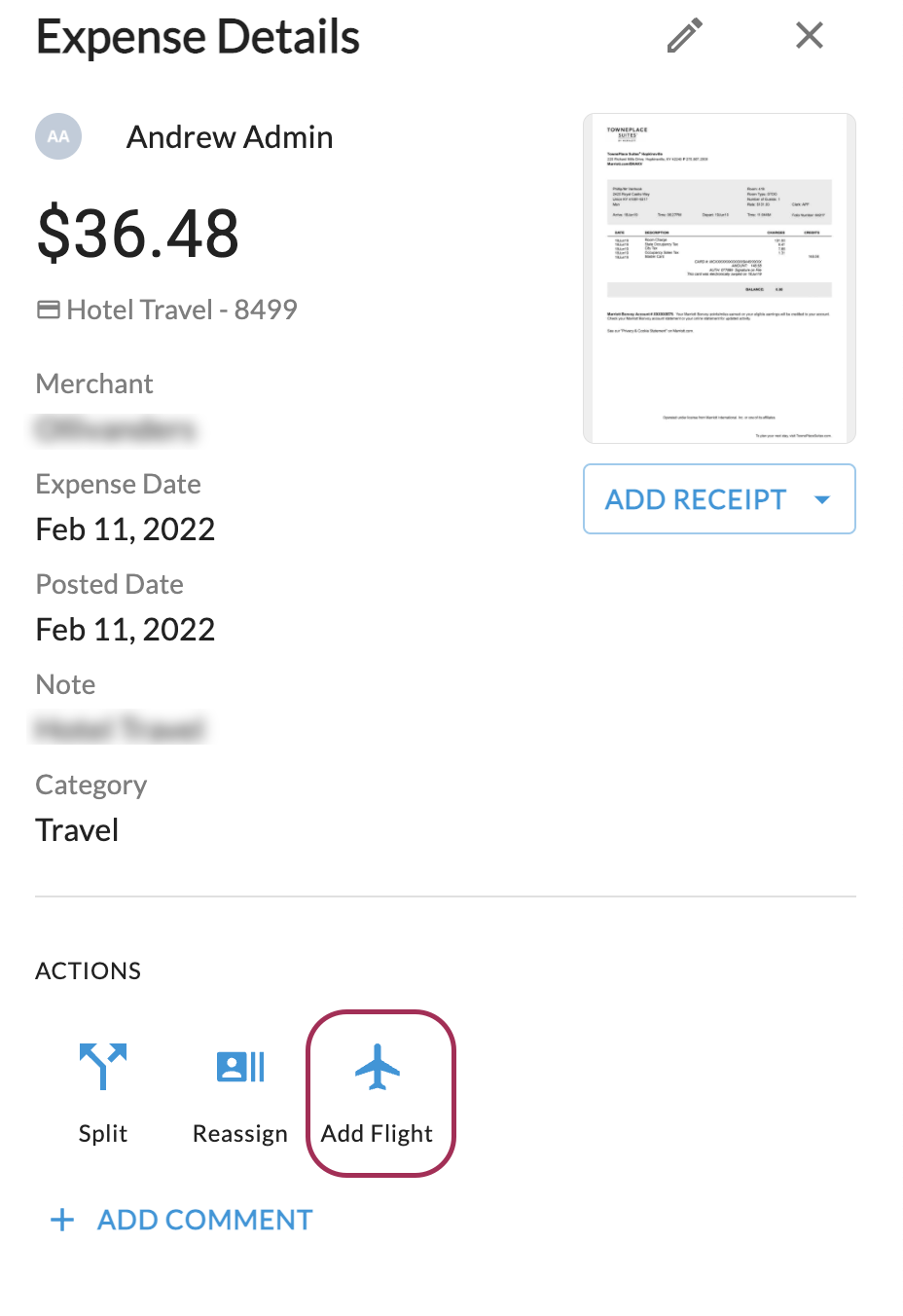
To add flight details, open the expense and click Add Flight.
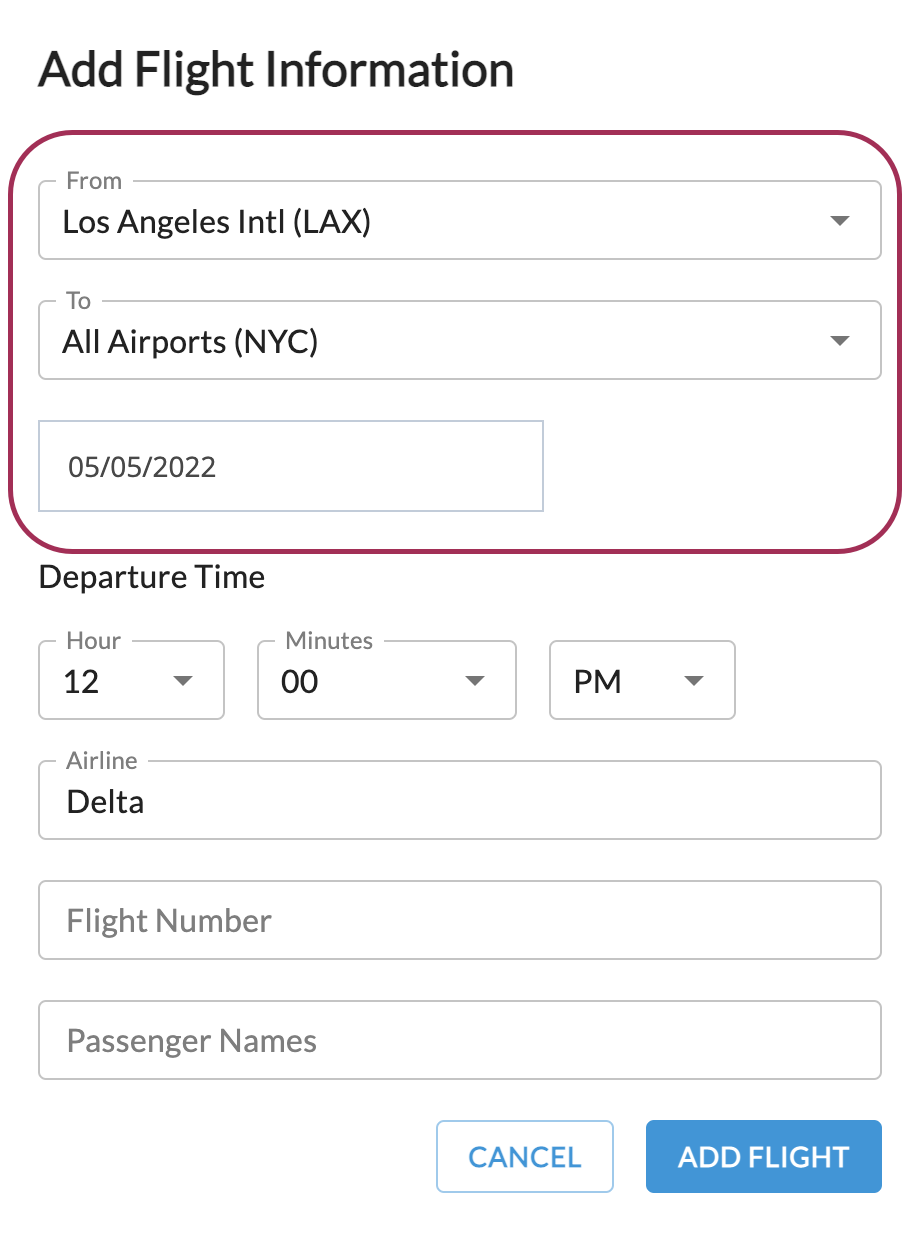
From here, you can add any relevant details to the flight. The To, From, and Departure Date fields are required, and everything else is optional.
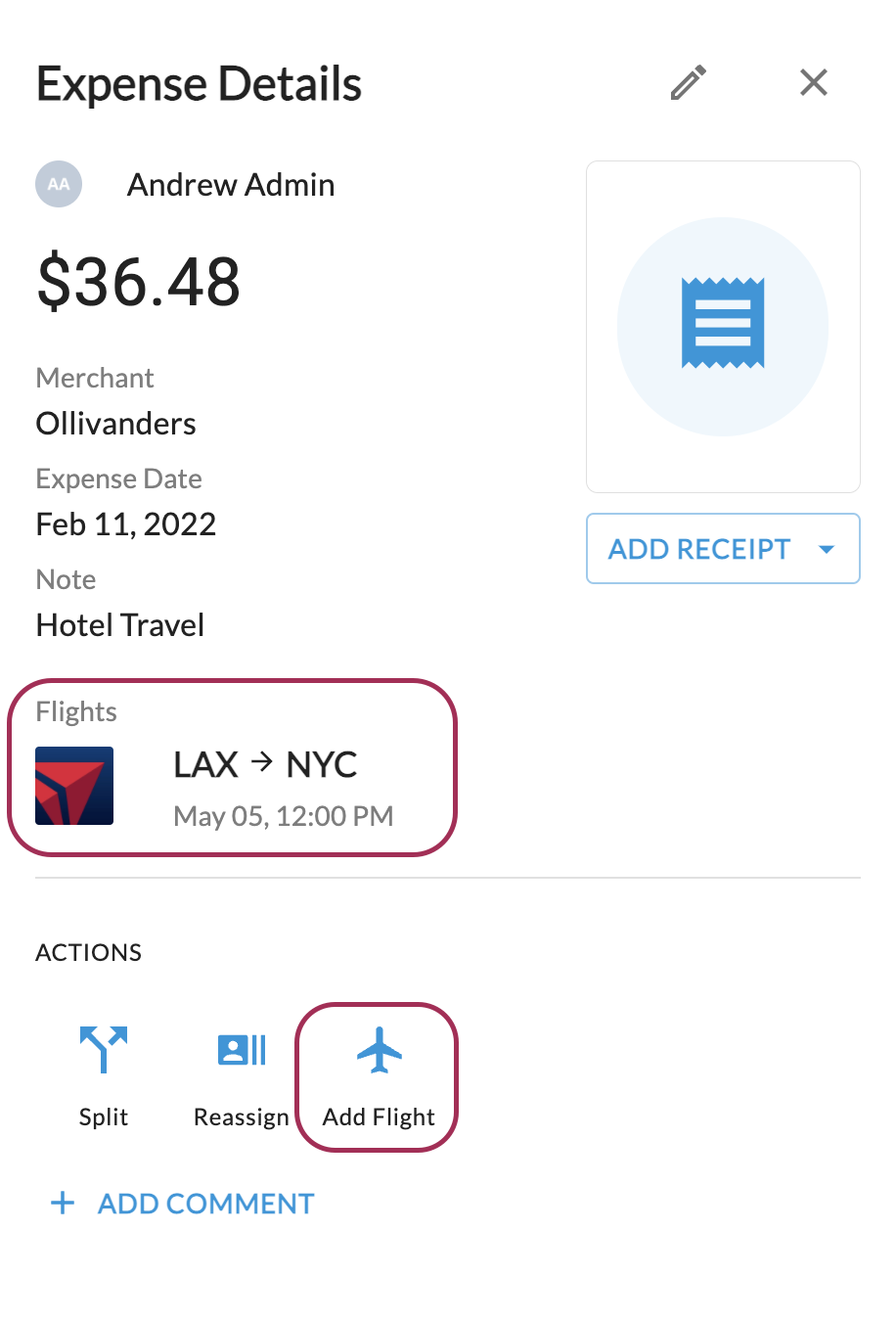
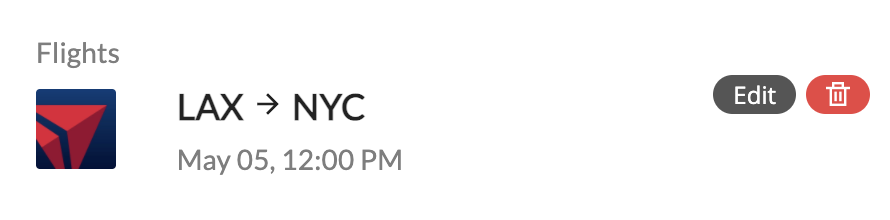
Once you've added the flight, the route will appear in the expense details, and you can optionally add another flight:
If you need to edit or remove the flight information, hover over the route with your mouse and you'll see buttons to edit or delete the flight:
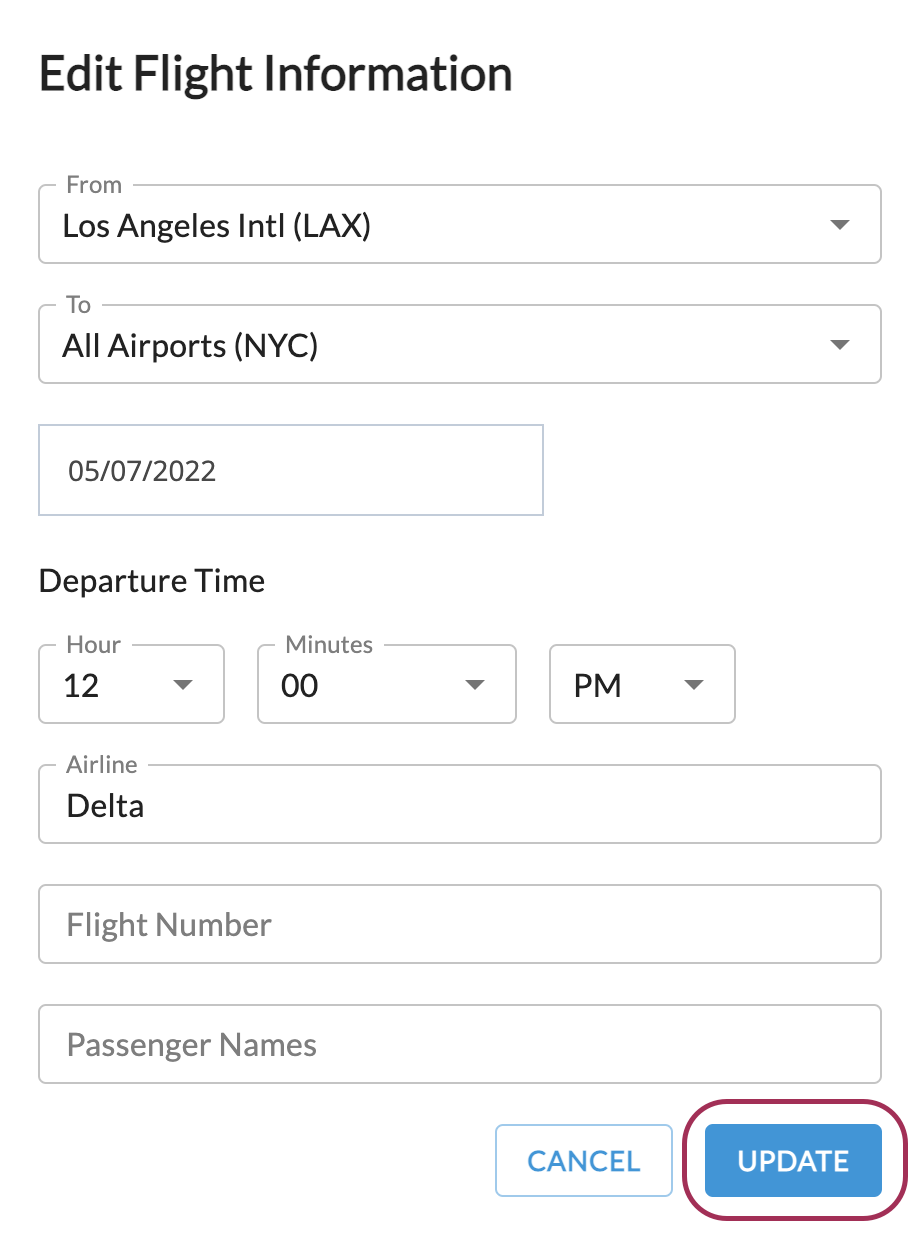
Admins can also edit flight information once an expense has been submitted. To edit, hover over the flight route and click 'edit.' Then, change whatever information you need and click update.